AI Architect Assistant — Ask Any Design or Site Question
An architectural chat assistant: answers questions, solves site issues, compares materials/BOQ items, and explains design and execution fundamentals.

Who is it for?
Quick consulting, site problem-solving, technical comparisons, and pre-design study
How it works — step by step
- Select Chat from the sidebar (often the default).
- Write a clear question in the message box.
- Optionally attach an image if you need scene-specific help.
- Read the answer and ask follow-ups for more detail.
How to get the best result
Phrase like an engineer talking to an expert: mention country/code if relevant, project type, and the exact problem or comparison.
Pro tips
- One focused question per message yields clearer answers.
- Ask for quality / cost / maintenance comparisons.
- For site advice: describe field conditions (humidity, height, existing materials...).
Example
Example: Compare porcelain vs ceramic for a living room in Cairo in terms of cost, maintenance, and durability, with a final recommendation.
FAQ
What is "AI Architect Assistant" in Boh AI?
An architectural chat assistant: answers questions, solves site issues, compares materials/BOQ items, and explains design and execution fundamentals.
Who is this tool for?
Quick consulting, site problem-solving, technical comparisons, and pre-design study
How do I get the best result?
Phrase like an engineer talking to an expert: mention country/code if relevant, project type, and the exact problem or comparison.
Can I try it for free?
Yes. Create a free Boh AI account with your email and get welcome points to try the platform, then pick a plan when you need more. Some advanced tools are available to subscribers only.
Does it support Arabic and English?
Yes. Boh AI is fully bilingual (Arabic & English): interface, guides and results — write your request in either language.
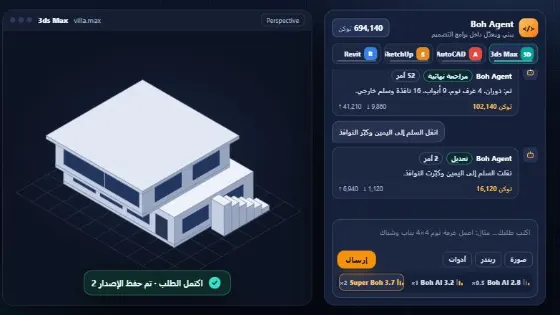 Boh Agent: AI Agent inside 3ds Max, AutoCAD, Revit & SketchUp
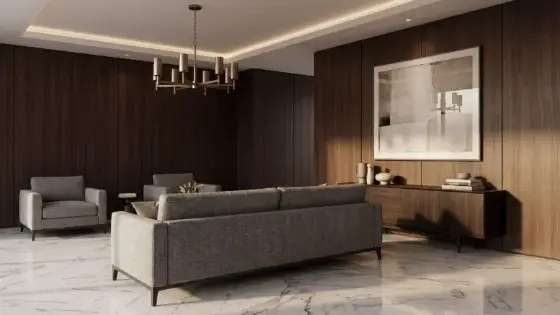 Visual Boh AI Studio: Node-Based AI Workflows for Architects
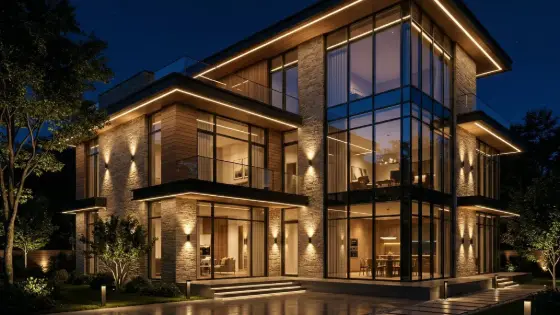 Super Boh — Professional AI Architectural Rendering
 Text to Architectural Render with AI
 AI Architectural Render Enhancer
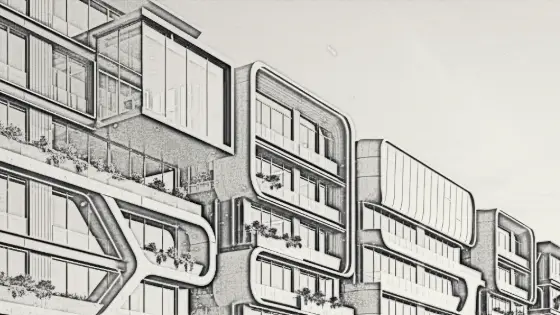 Image to Architectural Sketch with AI