Super Boh — Professional AI Architectural Rendering
Super Boh 3.7 — the strongest architectural model with full control over resolution, aspect ratio, quality engine, and micro-detail boost. Built for high-precision professional work.
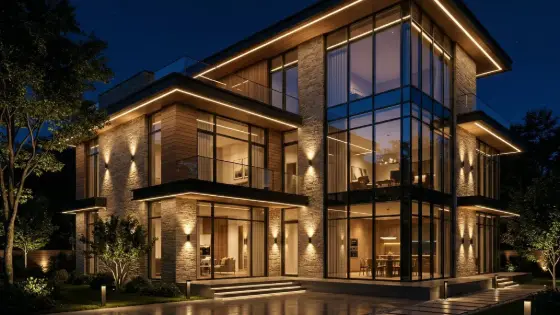
Who is it for?
Final professional outputs and high-quality presentations
How it works — step by step
- Select Super Boh 3.7 — advanced control window opens.
- Choose resolution (1K / 2K / Ultra 4K) based on budget.
- Set aspect ratio and quality engine (Photoreal / Precision / Cinematic).
- Enable micro-detail boost if needed, then press Save & Start to lock settings.
- Write a prompt or upload an image and send.
How to get the best result
Prototype on 1K/2K and reserve Ultra 4K for finals. Use Architectural Precision for façades/plans, and Cinematic for marketing shots.
Pro tips
- 4K takes longer — avoid repeating unnecessarily.
- Micro-detail boost sharpens edges and materials — great for façades.
- After a series of edits, use Final Output when available.
Example
Example path: try 1K Photoreal → edit → lock concept → Ultra 4K final.
FAQ
What is "Super Boh" in Boh AI?
Super Boh 3.7 — the strongest architectural model with full control over resolution, aspect ratio, quality engine, and micro-detail boost. Built for high-precision professional work.
Who is this tool for?
Final professional outputs and high-quality presentations
How do I get the best result?
Prototype on 1K/2K and reserve Ultra 4K for finals. Use Architectural Precision for façades/plans, and Cinematic for marketing shots.
Can I try it for free?
Yes. Create a free Boh AI account with your email and get welcome points to try the platform, then pick a plan when you need more. Some advanced tools are available to subscribers only.
Does it support Arabic and English?
Yes. Boh AI is fully bilingual (Arabic & English): interface, guides and results — write your request in either language.
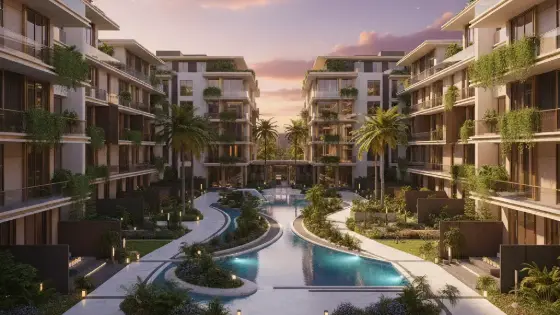 Text to Architectural Render with AI
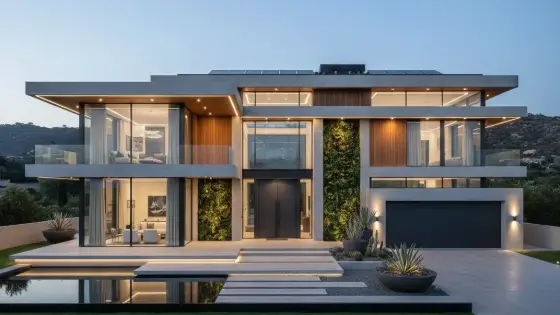 AI Architectural Render Enhancer
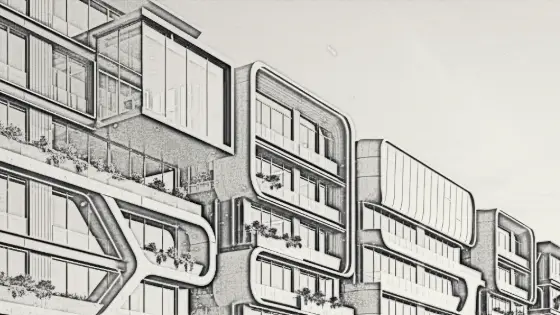 Image to Architectural Sketch with AI
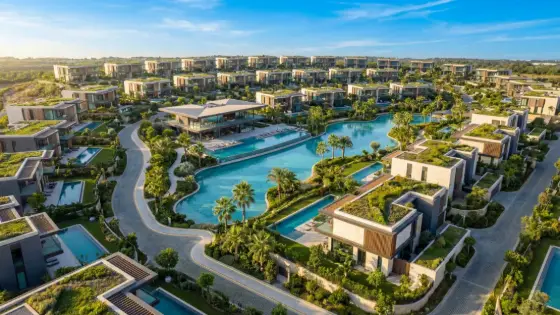 AI Architectural Video from a Single Image
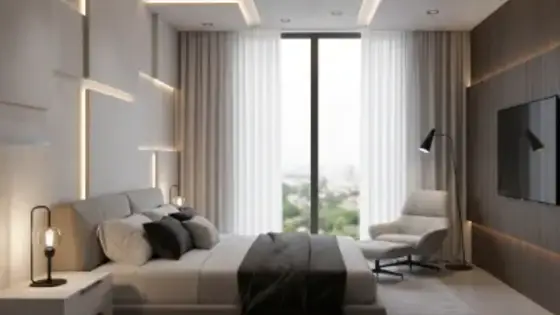 AI Architectural Prompt Generator
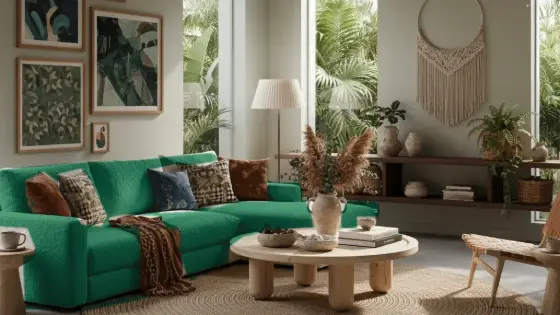 AI Interior & Exterior Design Editor