
AI Interior & Exterior Design Editor
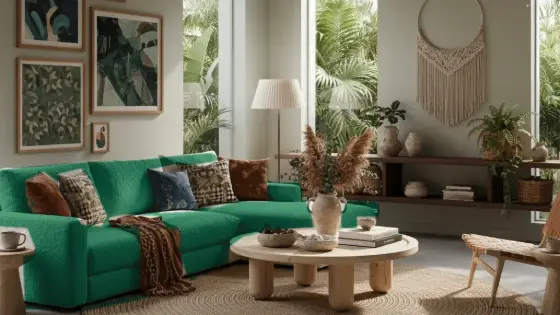
Edits an architectural scene image (photo or design): floors, lighting, colors, add/remove simple elements while staying in the same scene.
Who is it for?
Fast tweaks on a finished render before a client meeting
How it works — step by step
- Select Edit Scene.
- Upload the base scene image.
- Clearly describe what should change and what must stay.
- Send, review, and request another edit if needed.
How to get the best result
Be specific: “Change flooring to walnut parquet and keep everything else.” Vague edits cause unwanted drift.
Pro tips
- Change one or two things per request.
- After all edits, use Final Output if available for higher quality.
- Do not use it to redesign the full floor plan.
Example
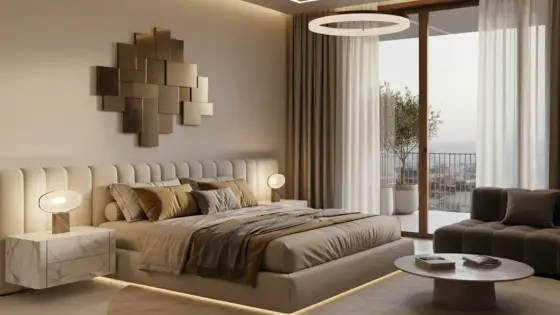
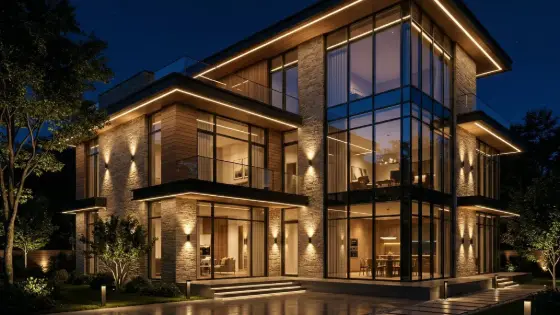
Example: Convert daylight to warm evening lighting, add plants on the right corner, keep the same furniture and walls.
FAQ
What is "AI Interior & Exterior Design Editor" in Boh AI?
Edits an architectural scene image (photo or design): floors, lighting, colors, add/remove simple elements while staying in the same scene.
Who is this tool for?
Fast tweaks on a finished render before a client meeting
How do I get the best result?
Be specific: “Change flooring to walnut parquet and keep everything else.” Vague edits cause unwanted drift.
Can I try it for free?
Yes. Create a free Boh AI account with your email and get welcome points to try the platform, then pick a plan when you need more. Some advanced tools are available to subscribers only.
Does it support Arabic and English?
Yes. Boh AI is fully bilingual (Arabic & English): interface, guides and results — write your request in either language.
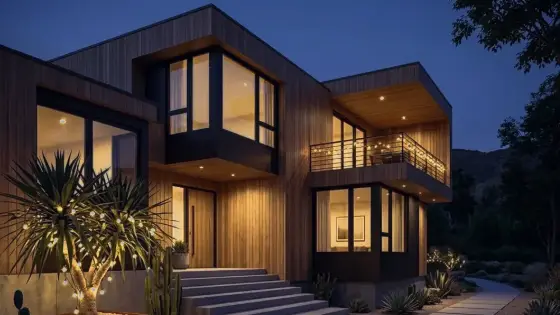 Day to Night Render Conversion with AI
 Night to Day Render Conversion with AI
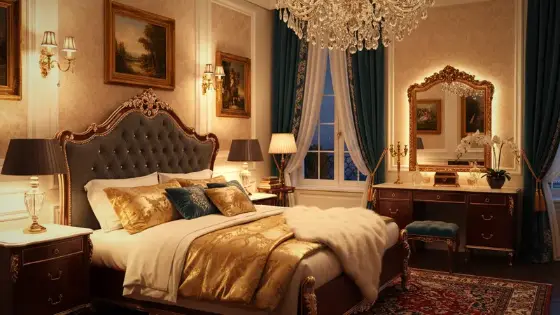 Render Color & Lighting Studio
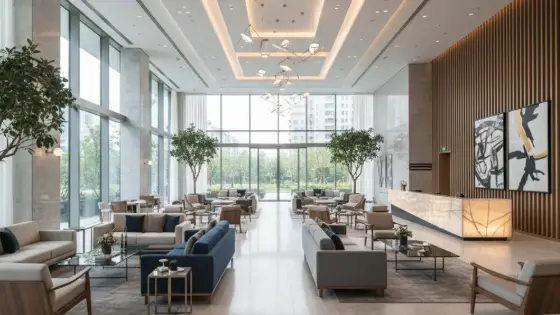 Architectural Render Upscaler
 Watermark Remover for Design Images
 Super Boh — Professional AI Architectural Rendering