Night to Day Render Conversion with AI
Converts an evening/night scene into natural daytime while keeping the architectural composition.
Who is it for?
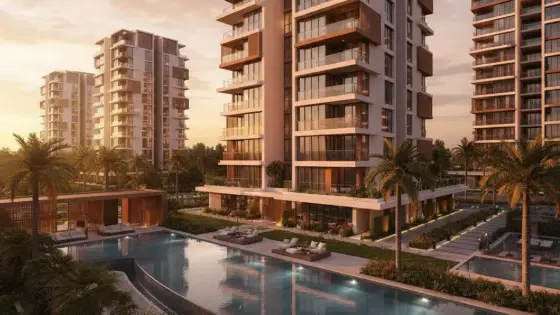
Showing the same project in daylight for clients
How it works — step by step
- Select Night to Day.
- Upload the night image.
- Run conversion from the window.
- Download the daytime result.
How to get the best result
Night shots with visible façade detail work better than near-black frames.
Pro tips
- Pair with Day to Night for a presentation set.
- If sky looks off, ask Edit Scene for a light fix.
- Keep the same camera angle for comparison.
Example
Example: Night commercial mall view → soft daylight version with clear sky.
FAQ
What is "Night to Day Render Conversion with AI" in Boh AI?
Converts an evening/night scene into natural daytime while keeping the architectural composition.
Who is this tool for?
Showing the same project in daylight for clients
How do I get the best result?
Night shots with visible façade detail work better than near-black frames.
Can I try it for free?
Yes. Create a free Boh AI account with your email and get welcome points to try the platform, then pick a plan when you need more. Some advanced tools are available to subscribers only.
Does it support Arabic and English?
Yes. Boh AI is fully bilingual (Arabic & English): interface, guides and results — write your request in either language.
 AI Interior & Exterior Design Editor
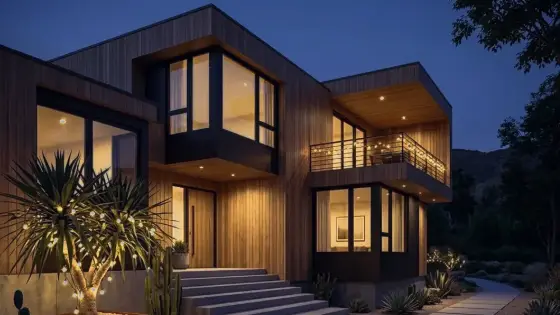 Day to Night Render Conversion with AI
 Render Color & Lighting Studio
 Architectural Render Upscaler
 Watermark Remover for Design Images
 Super Boh — Professional AI Architectural Rendering