Architectural Render Upscaler
Locally upscales the scene with UpscalerJS on WebGPU — one ultra-sharp professional result to download. Not archived and does not bill runtime points.
Who is it for?
Sharpening final scenes for print or large displays
How it works — step by step
- Ensure balance > 500 and plan is a Pro plan.
- Select Upscaling.
- In the popup: upload image → Process.
- Wait for processing to finish, then download the result.
- Optionally open Colors & Lighting Studio to refine the scene for free before saving.
How to get the best result
Processing runs locally via WebGPU (with safe WebGL fallback). Start from a clean, high-quality image.
Pro tips
- Locked on free plans or when balance ≤ 500.
- Results are not saved to archive — download immediately.
- Ideal as the last step after a final render.
- Colors & Lighting Studio is completely free and can export up to ~8K.
Example
Example: Ultra client render → Upscaling → Colors & Lighting → high-res save.
FAQ
What is "Architectural Render Upscaler" in Boh AI?
Locally upscales the scene with UpscalerJS on WebGPU — one ultra-sharp professional result to download. Not archived and does not bill runtime points.
Who is this tool for?
Sharpening final scenes for print or large displays
How do I get the best result?
Processing runs locally via WebGPU (with safe WebGL fallback). Start from a clean, high-quality image.
Can I try it for free?
Yes. Create a free Boh AI account with your email and get welcome points to try the platform, then pick a plan when you need more. Some advanced tools are available to subscribers only.
Does it support Arabic and English?
Yes. Boh AI is fully bilingual (Arabic & English): interface, guides and results — write your request in either language.
 AI Interior & Exterior Design Editor
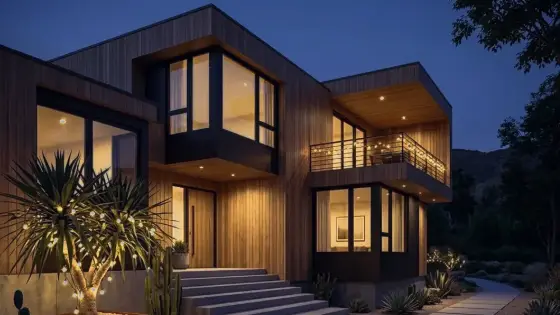 Day to Night Render Conversion with AI
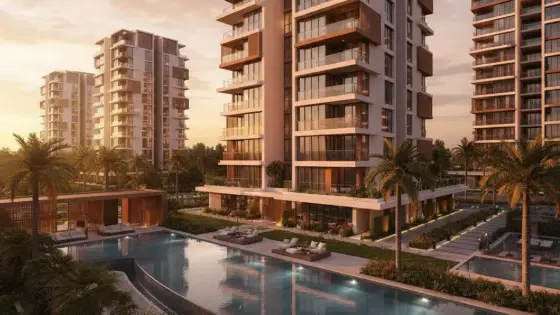 Night to Day Render Conversion with AI
 Render Color & Lighting Studio
 Watermark Remover for Design Images
 Super Boh — Professional AI Architectural Rendering