Render Color & Lighting Studio
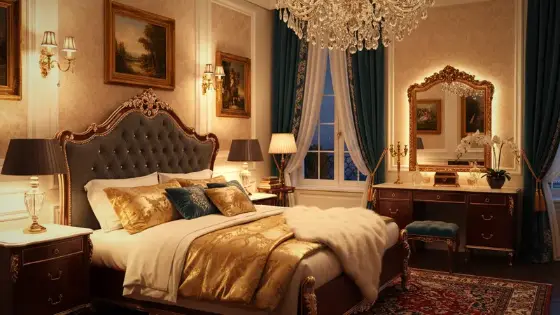
A professional Colors & Lighting Studio that works with every model after Boh AI returns a result. Adjust exposure, contrast, temperature, and multiple light sources (sun, spot, neon, softbox, and more) with full control over position, intensity, and direction. Completely free, with high-resolution export up to ~8K.
Who is it for?
Final polish on any model output before client delivery, fixing dull lighting, and building a cinematic look without regenerating
How it works — step by step
- After Boh AI replies with an image from any model: tap the image to open the viewer, or use the Colors & Lighting button shown with the result.
- The studio opens — it is available for all models, not only Upscaling.
- Adjustments tab: tune brightness, contrast, saturation, temperature, sharpness, and vignette.
- Lighting tab: add light sources, drag points on the preview, and refine intensity, size, softness, and direction.
- Looks tab: apply a light preset without wiping the lights you placed.
- Press Save in high resolution to export at the highest available quality — up to about 8K depending on device and source.
How to get the best result
This is the visual finishing stage after any Boh AI output (render, imagine a scene, edit, Upscaling, and more). Instead of regenerating, refine light and color locally. Start with one well-placed light, then add supporting sources. Keep intensity moderate first, then raise it gradually.
Pro tips
- Works on all models: after the reply, tap the image or the edit button shown with the result.
- 100% free — it does not consume point balance.
- Save only after finishing your grade; export supports high resolution up to ~8K.
- For dark/off fixtures, prefer higher-coverage types (LED / bulb / beam) and raise Coverage.
- Multi-select + Match settings saves time when repeating similar lights.
Example
Example: Any model (Render / Imagine a scene / Edit…) → tap the image → Colors & Lighting → spots + a light look → high-res save.
FAQ
What is "Render Color & Lighting Studio" in Boh AI?
A professional Colors & Lighting Studio that works with every model after Boh AI returns a result. Adjust exposure, contrast, temperature, and multiple light sources (sun, spot, neon, softbox, and more) with full control over position, intensity, and direction. Completely free, with high-resolution export up to ~8K.
Who is this tool for?
Final polish on any model output before client delivery, fixing dull lighting, and building a cinematic look without regenerating
How do I get the best result?
This is the visual finishing stage after any Boh AI output (render, imagine a scene, edit, Upscaling, and more). Instead of regenerating, refine light and color locally. Start with one well-placed light, then add supporting sources. Keep intensity moderate first, then raise it gradually.
Can I try it for free?
Yes. Create a free Boh AI account with your email and get welcome points to try the platform, then pick a plan when you need more. Some advanced tools are available to subscribers only.
Does it support Arabic and English?
Yes. Boh AI is fully bilingual (Arabic & English): interface, guides and results — write your request in either language.
 AI Interior & Exterior Design Editor
 Day to Night Render Conversion with AI
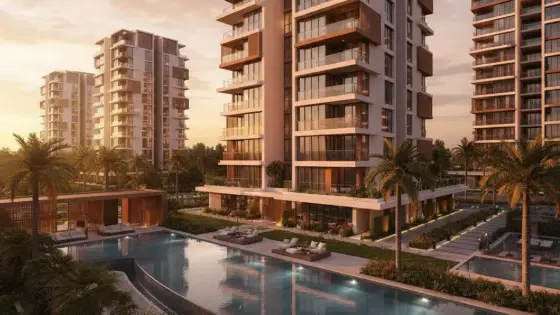 Night to Day Render Conversion with AI
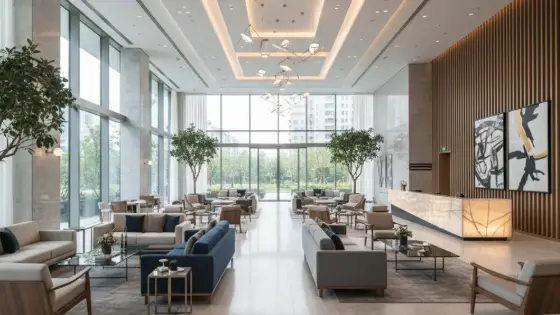 Architectural Render Upscaler
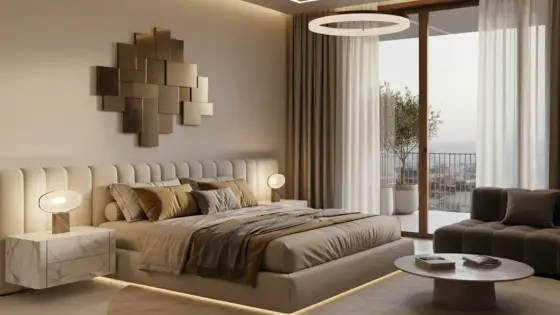 Watermark Remover for Design Images
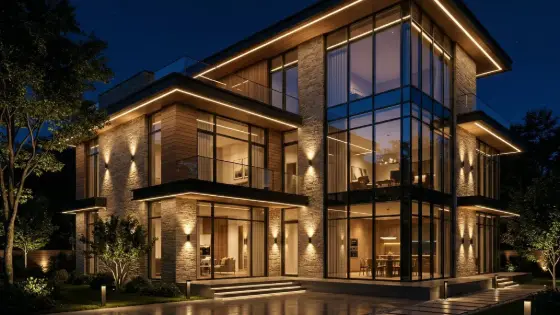 Super Boh — Professional AI Architectural Rendering