AI Architectural Video from a Single Image
Super Boh 3.7 Video — Image-to-Video (10 seconds). An image is required first, then a motion prompt.
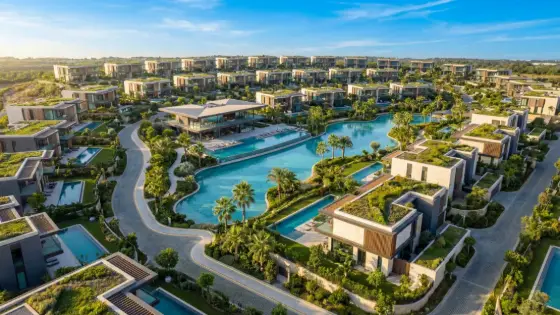
Who is it for?
Clips for project showcases, social media, and bringing architectural images to life
How it works — step by step
- Select "Super Boh 3.7 Video" from the list.
- Upload 1–2 images first (required), then write the motion prompt.
- Press "Generate Video" and wait (may take several minutes).
- When done, the video appears and you can download it or create a new one.
How to get the best result
Image-to-Video only: one image animates the scene; two images = first→last frame. Describe camera motion clearly.
Pro tips
- Upload a clear image first — without an image the request will not be sent.
- Focus on one clear motion instead of several dramatic changes.
- Limited-time price: 80 points instead of 150.
Example
Example: living-room image + “cinematic camera slowly advances, soft daylight, curtains gently swaying”.
FAQ
What is "AI Architectural Video from a Single Image" in Boh AI?
Super Boh 3.7 Video — Image-to-Video (10 seconds). An image is required first, then a motion prompt.
Who is this tool for?
Clips for project showcases, social media, and bringing architectural images to life
How do I get the best result?
Image-to-Video only: one image animates the scene; two images = first→last frame. Describe camera motion clearly.
Can I try it for free?
Yes. Create a free Boh AI account with your email and get welcome points to try the platform, then pick a plan when you need more. Some advanced tools are available to subscribers only.
Does it support Arabic and English?
Yes. Boh AI is fully bilingual (Arabic & English): interface, guides and results — write your request in either language.
 Super Boh — Professional AI Architectural Rendering
 Text to Architectural Render with AI
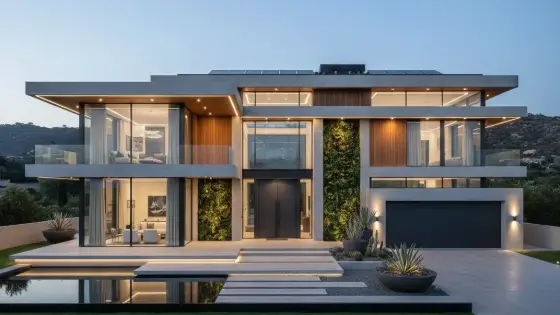 AI Architectural Render Enhancer
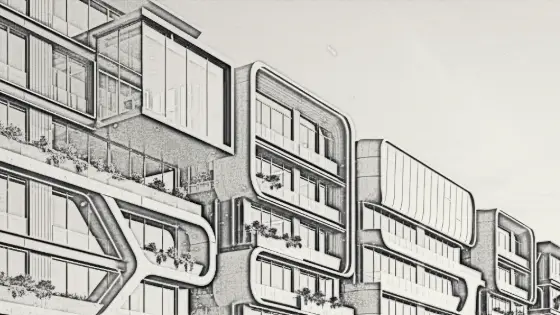 Image to Architectural Sketch with AI
 AI Architectural Prompt Generator
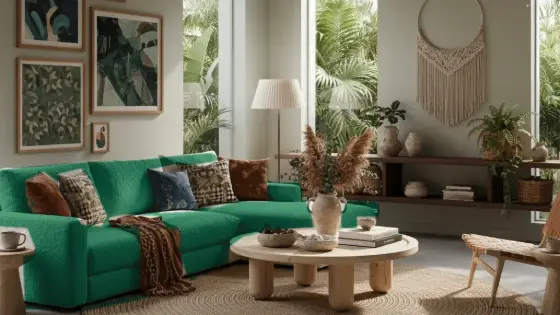 AI Interior & Exterior Design Editor