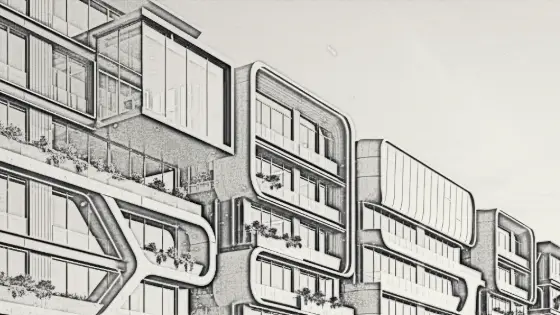
Image to Architectural Sketch with AI
Converts any image into a pencil sketch while preserving the scene and composition.
Who is it for?
Concept boards and turning renders into hand-drawn style visuals
How it works — step by step
- Select Sketch — window opens.
- Upload the image to convert.
- Run processing.
- Download the sketch.
How to get the best result
Almost any image works; clean renders produce cleaner lines than messy photos.
Pro tips
- Use after scene generation for a Concept Sketch board.
- Style only changes — content stays the same.
- Can be included in a graduation banner as a concept panel.
Example
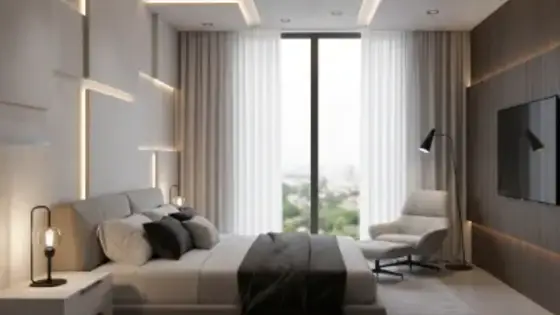
Example: Realistic interior perspective → pencil sketch of the same angle and elements.
FAQ
What is "Image to Architectural Sketch with AI" in Boh AI?
Converts any image into a pencil sketch while preserving the scene and composition.
Who is this tool for?
Concept boards and turning renders into hand-drawn style visuals
How do I get the best result?
Almost any image works; clean renders produce cleaner lines than messy photos.
Can I try it for free?
Yes. Create a free Boh AI account with your email and get welcome points to try the platform, then pick a plan when you need more. Some advanced tools are available to subscribers only.
Does it support Arabic and English?
Yes. Boh AI is fully bilingual (Arabic & English): interface, guides and results — write your request in either language.
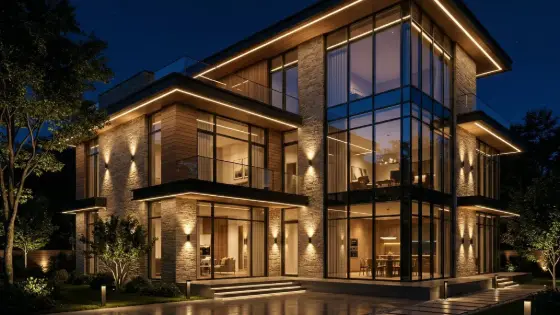 Super Boh — Professional AI Architectural Rendering
 Text to Architectural Render with AI
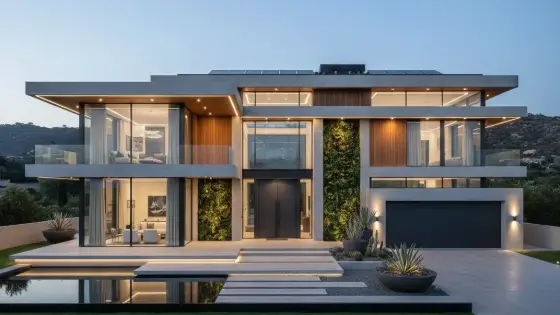 AI Architectural Render Enhancer
 AI Architectural Video from a Single Image
 AI Architectural Prompt Generator
 AI Interior & Exterior Design Editor