
Text to Architectural Render with AI
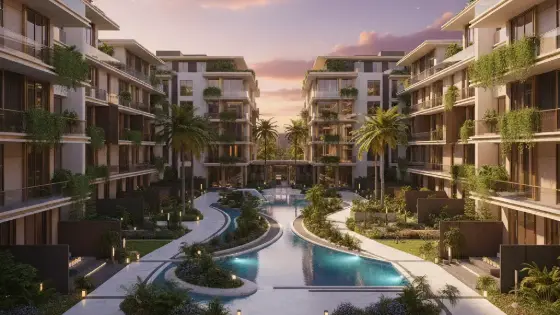
Generates a full interior or exterior scene from scratch using only your text description — no reference image required.
Who is it for?
New concepts, mood boards, and early visualization before execution
How it works — step by step
- Select Imagine scene from scratch.
- Write a rich description: space type, area, function, materials, lighting, style, mood.
- Send and wait for the render.
- For small tweaks later, use Edit Scene or Super Boh.
How to get the best result
This model invents from text. Do not upload an image — describe the scene like a short architectural film brief.
Pro tips
- State interior/exterior, day/night, camera angle, and key materials.
- Pick one clear style so directions do not mix.
- Generate a prompt with the Prompt model first for stronger results.
Example
Example: Neo-classical villa exterior at sunset, limestone cladding, gardens and fountains, warm façade lighting, clear sky, 3/4 perspective.
FAQ
What is "Text to Architectural Render with AI" in Boh AI?
Generates a full interior or exterior scene from scratch using only your text description — no reference image required.
Who is this tool for?
New concepts, mood boards, and early visualization before execution
How do I get the best result?
This model invents from text. Do not upload an image — describe the scene like a short architectural film brief.
Can I try it for free?
Yes. Create a free Boh AI account with your email and get welcome points to try the platform, then pick a plan when you need more. Some advanced tools are available to subscribers only.
Does it support Arabic and English?
Yes. Boh AI is fully bilingual (Arabic & English): interface, guides and results — write your request in either language.
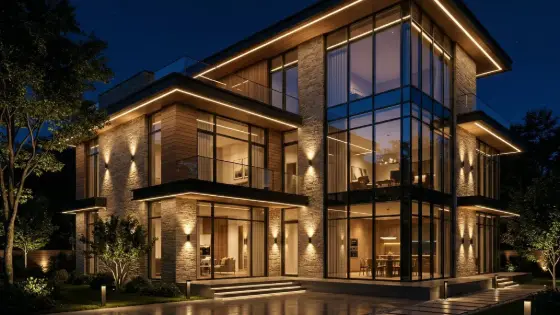 Super Boh — Professional AI Architectural Rendering
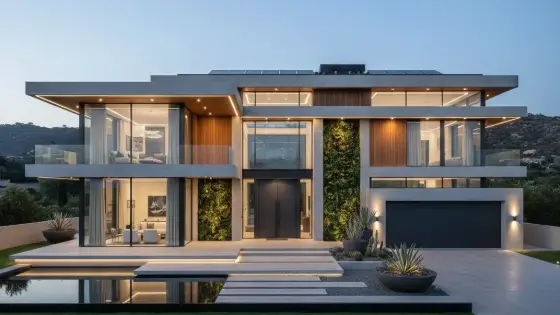 AI Architectural Render Enhancer
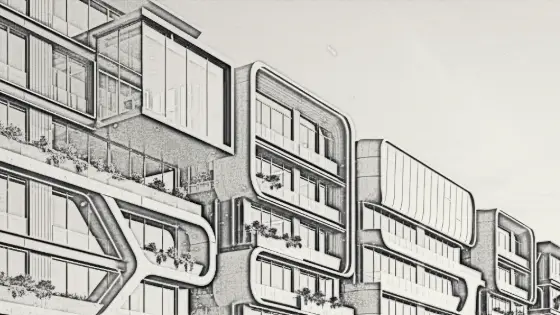 Image to Architectural Sketch with AI
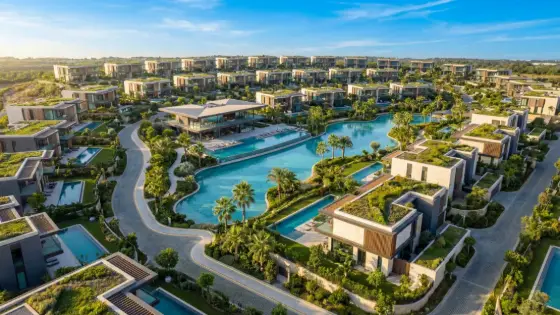 AI Architectural Video from a Single Image
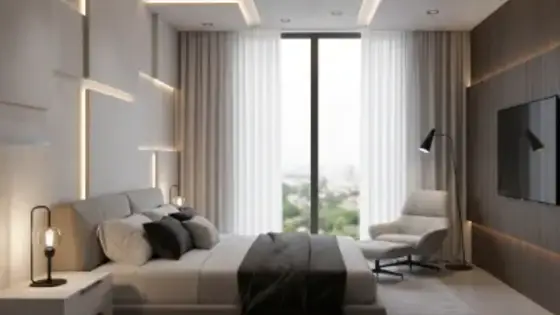 AI Architectural Prompt Generator
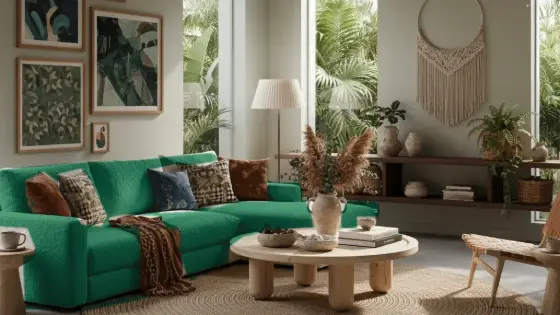 AI Interior & Exterior Design Editor