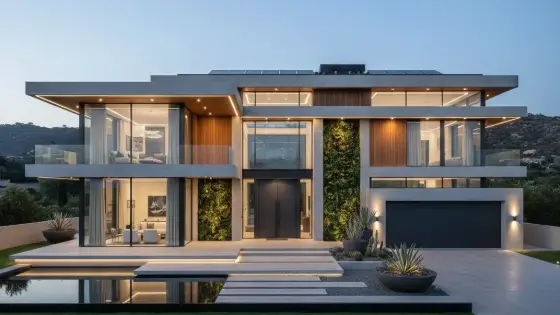
AI Architectural Render Enhancer
Enhances an existing render while keeping the architectural design intact — improves materials, lighting, and realism without changing massing or layout.
Who is it for?
Upgrading 3D Max / SketchUp / early renders before client delivery
How it works — step by step
- Select Render, then upload your design shot (or drag it into the window).
- Choose the scene type: interior or exterior.
- Pick the lighting for interiors (Auto / Bright day / Warm / Luxury evening) or the sky for exteriors (Soft clouds / Clear sky / Golden sunset / Dusk).
- Pick 2K or Ultra 4K and press Start render — no prompt needed.
How to get the best result
Boh AI writes a professional brief from your choices and keeps the design exactly as it is (angle, spaces, furniture, materials), improving only realism and lighting. Notes are optional: only write the change you want.
Pro tips
- Use Ultra 4K for finals; 2K is great for daily iteration.
- Avoid heavily blurred or extreme angled shots.
- For element changes (floor/furniture), use Edit Scene instead.
Example
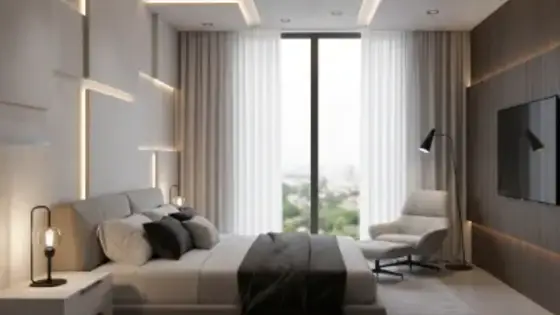
Example: Raw SketchUp bedroom render → Internal + Ultra → upload → keep the same layout with realistic finishes.
FAQ
What is "AI Architectural Render Enhancer" in Boh AI?
Enhances an existing render while keeping the architectural design intact — improves materials, lighting, and realism without changing massing or layout.
Who is this tool for?
Upgrading 3D Max / SketchUp / early renders before client delivery
How do I get the best result?
Boh AI writes a professional brief from your choices and keeps the design exactly as it is (angle, spaces, furniture, materials), improving only realism and lighting. Notes are optional: only write the change you want.
Can I try it for free?
Yes. Create a free Boh AI account with your email and get welcome points to try the platform, then pick a plan when you need more. Some advanced tools are available to subscribers only.
Does it support Arabic and English?
Yes. Boh AI is fully bilingual (Arabic & English): interface, guides and results — write your request in either language.
 Super Boh — Professional AI Architectural Rendering
 Text to Architectural Render with AI
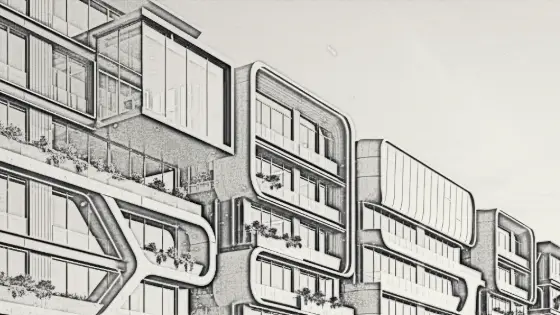 Image to Architectural Sketch with AI
 AI Architectural Video from a Single Image
 AI Architectural Prompt Generator
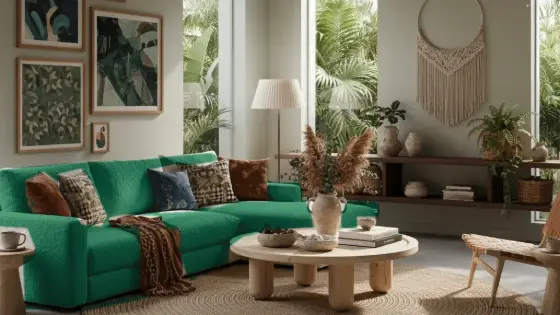 AI Interior & Exterior Design Editor