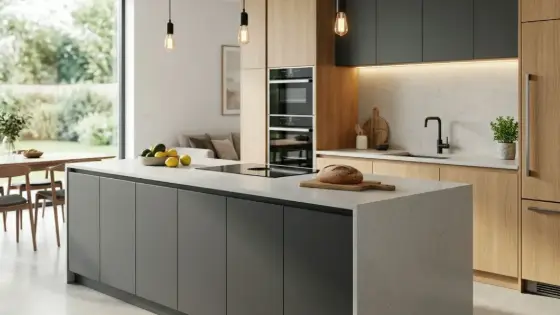
AI Kitchen Design
Upload the space or your design, pick a style and colors — and get a realistic photo of the finished kitchen. You can also edit an existing kitchen in one sentence.
Who is it for?
Kitchen designers, fabricators and architects — show the client their kitchen in their own room before building it
How it works — step by step
- Choose Kitchen Design → Start from: photo of the space (most accurate) · sketch or 3D · no image · edit a kitchen.
- Upload the image (drag & drop or Ctrl+V) — the empty room or the old kitchen.
- Pick a style and a color palette (or a custom color) and any extras such as an island or hidden lighting.
- Add a note if you need something specific (fridge position, sink under the window…) and press Design the kitchen.
How to get the best result
Best results come from a photo of the space: shoot from a corner, standing, phone held straight, windows and doors visible — the kitchen is installed in the same room with the same angle and sizes.
Pro tips
- A clear, well-lit photo of the space = a more accurate result.
- From a sketch or SketchUp shot: the layout is kept and materials and lighting become real.
- For edits: one clear sentence per change; everything else stays the same.
Example
Example: photo of an old kitchen + Modern handleless + Sage + brass + Hidden LED + note: sink under the window.
FAQ
What is "AI Kitchen Design" in Boh AI?
Upload the space or your design, pick a style and colors — and get a realistic photo of the finished kitchen. You can also edit an existing kitchen in one sentence.
Who is this tool for?
Kitchen designers, fabricators and architects — show the client their kitchen in their own room before building it
How do I get the best result?
Best results come from a photo of the space: shoot from a corner, standing, phone held straight, windows and doors visible — the kitchen is installed in the same room with the same angle and sizes.
Can I try it for free?
Yes. Create a free Boh AI account with your email and get welcome points to try the platform, then pick a plan when you need more. Some advanced tools are available to subscribers only.
Does it support Arabic and English?
Yes. Boh AI is fully bilingual (Arabic & English): interface, guides and results — write your request in either language.
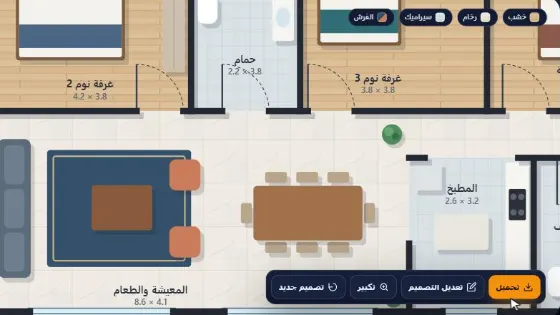 AI Floor Plan Colorizer & Presentation
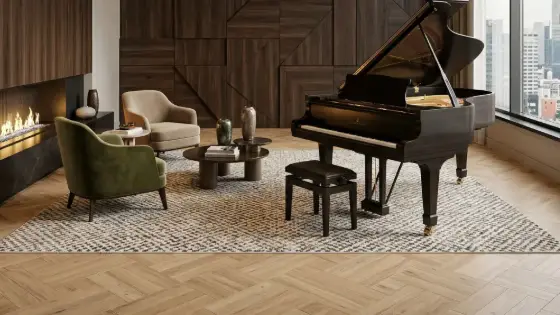 AI Material & Texture Extraction
 AI Architectural Mood Board Generator
 Architecture Graduation Project Board Maker
 Design Negotiator: AI Client Negotiation Practice
 Super Boh — Professional AI Architectural Rendering