Architecture Graduation Project Board Maker
Upload your project images — Boh AI recognises each one (plan, section, elevation, perspective, study), picks the hero image, writes your concept, and lays everything out on a well-divided A1 board at 300 DPI — using your original images with zero distortion.

Who is it for?
Architecture students — a jury presentation board or a large printed banner
How it works — step by step
- Choose Graduation Project → upload all images at once (up to 16) by drag & drop or Ctrl+V.
- Add the project title, your name, university and supervisor — and your concept in two lines if you like.
- Pick a template (6), a size (A1 landscape / portrait / screen) and the board language, then press Design the board.
- Change the template or texts for free, then download PNG or PDF for print.
How to get the best result
Every image stays exactly as it is (no redrawing). Pick a composition (Wave / Curve / Floating islands / Classic) and an architectural background (contours, blueprint, isometric, sketch, arches…) or a photo from your project, and mark the main image with the ★ star.
Pro tips
- Upload your images at the highest resolution you have — the print file uses them at full resolution.
- Two lines about your concept = a stronger board text.
- Print an A3 test before the large banner.
Example
Example: cultural center — 3 perspectives + 2 plans + section + elevation + circulation diagram → A1 landscape board with the Gallery white template.
FAQ
What is "Architecture Graduation Project Board Maker" in Boh AI?
Upload your project images — Boh AI recognises each one (plan, section, elevation, perspective, study), picks the hero image, writes your concept, and lays everything out on a well-divided A1 board at 300 DPI — using your original images with zero distortion.
Who is this tool for?
Architecture students — a jury presentation board or a large printed banner
How do I get the best result?
Every image stays exactly as it is (no redrawing). Pick a composition (Wave / Curve / Floating islands / Classic) and an architectural background (contours, blueprint, isometric, sketch, arches…) or a photo from your project, and mark the main image with the ★ star.
Can I try it for free?
Yes. Create a free Boh AI account with your email and get welcome points to try the platform, then pick a plan when you need more. Some advanced tools are available to subscribers only.
Does it support Arabic and English?
Yes. Boh AI is fully bilingual (Arabic & English): interface, guides and results — write your request in either language.
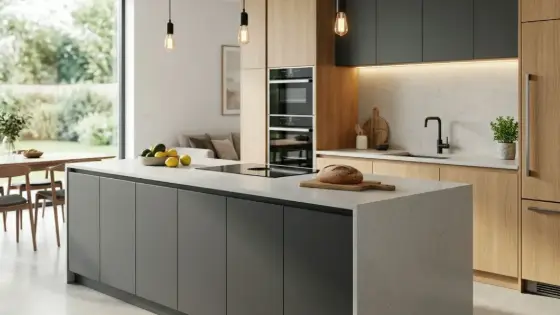 AI Kitchen Design
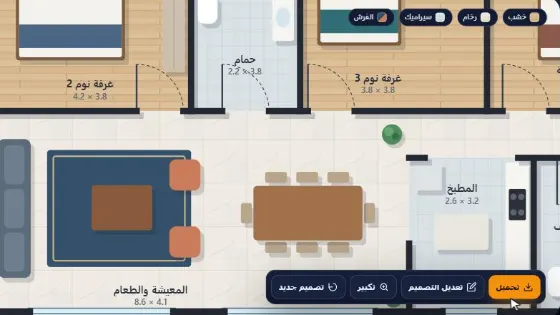 AI Floor Plan Colorizer & Presentation
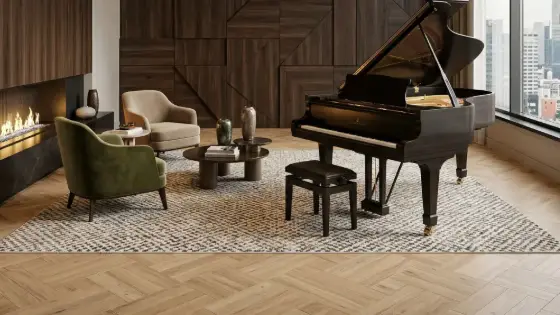 AI Material & Texture Extraction
 AI Architectural Mood Board Generator
 Design Negotiator: AI Client Negotiation Practice
 Super Boh — Professional AI Architectural Rendering