Design Negotiator: AI Client Negotiation Practice
Closed-session design negotiator: upload a design, pick a client persona, roleplay critique, negotiate in chat, get a Make Client Happy text plan, plus 3 free extra personas.
Who is it for?
Before sending a client pitch — pressure-test decisions from stakeholder viewpoints
How it works — step by step
- Select Design Negotiator — popup opens.
- Upload the design and pick a persona (or write Other).
- Start negotiation (15 pts), read the critique, and reply.
- Press Make Client Happy for a free text compromise plan.
- Try 3 free personas once each, or New request for a paid session.
How to get the best result
Pick a persona close to the project. Ask about cost, use, and maintenance. The text plan is the best-compromise brief.
Pro tips
- Investor persona helps before pricing.
- Family-with-kids reveals safety and storage gaps.
- Hotel/restaurant personas expose ops and maintenance pain.
Example
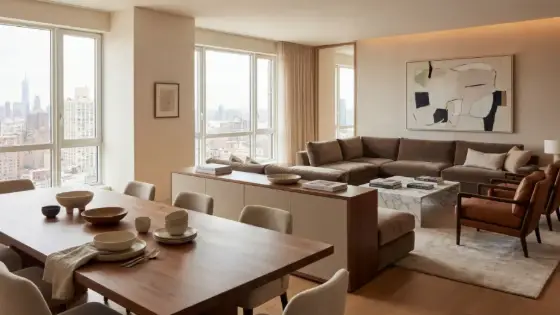
Example: Living-room render → investor → negotiate → Make Client Happy → free hotel persona.
FAQ
What is "Design Negotiator" in Boh AI?
Closed-session design negotiator: upload a design, pick a client persona, roleplay critique, negotiate in chat, get a Make Client Happy text plan, plus 3 free extra personas.
Who is this tool for?
Before sending a client pitch — pressure-test decisions from stakeholder viewpoints
How do I get the best result?
Pick a persona close to the project. Ask about cost, use, and maintenance. The text plan is the best-compromise brief.
Can I try it for free?
Yes. Create a free Boh AI account with your email and get welcome points to try the platform, then pick a plan when you need more. Some advanced tools are available to subscribers only.
Does it support Arabic and English?
Yes. Boh AI is fully bilingual (Arabic & English): interface, guides and results — write your request in either language.
 AI Kitchen Design
 AI Floor Plan Colorizer & Presentation
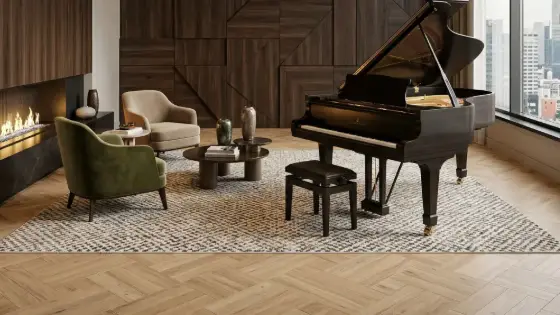 AI Material & Texture Extraction
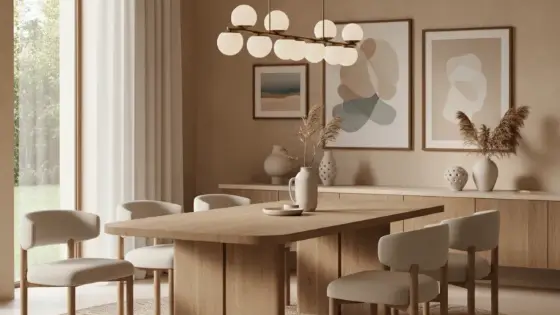 AI Architectural Mood Board Generator
 Architecture Graduation Project Board Maker
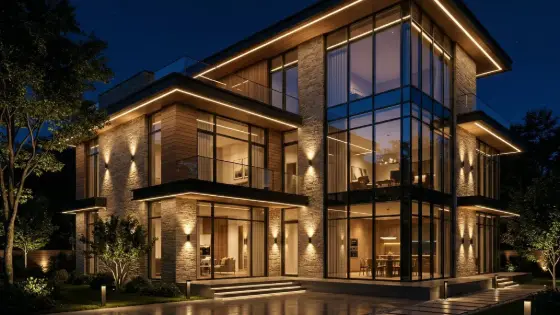 Super Boh — Professional AI Architectural Rendering