AI Architectural Mood Board Generator
Turn any design or image into a premium architectural mood board in one window: upload and process.
Who is it for?
Client presentations, inspiration boards, materials / color / atmosphere storytelling
How it works — step by step
- Select Mood Board — upload window opens.
- Upload the design or scene image.
- Press Process and wait for the result in the same window.
- Download it, or open Colors & Lighting if needed.
How to get the best result
No prompt writing required. The model builds a curated multi-panel mood board while keeping the original design as the hero.
Pro tips
- Use a clear design image for more accurate palette and material panels.
- Output is presentation-ready.
- After the result, you can refine colors and lighting from the same flow.
Example
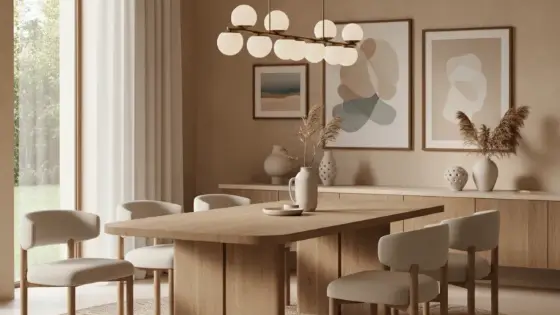
Example: Interior render → upload → process → presentation-ready mood board.
FAQ
What is "AI Architectural Mood Board Generator" in Boh AI?
Turn any design or image into a premium architectural mood board in one window: upload and process.
Who is this tool for?
Client presentations, inspiration boards, materials / color / atmosphere storytelling
How do I get the best result?
No prompt writing required. The model builds a curated multi-panel mood board while keeping the original design as the hero.
Can I try it for free?
Yes. Create a free Boh AI account with your email and get welcome points to try the platform, then pick a plan when you need more. Some advanced tools are available to subscribers only.
Does it support Arabic and English?
Yes. Boh AI is fully bilingual (Arabic & English): interface, guides and results — write your request in either language.
 AI Kitchen Design
 AI Floor Plan Colorizer & Presentation
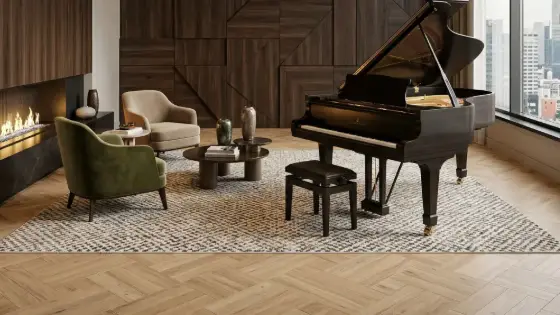 AI Material & Texture Extraction
 Architecture Graduation Project Board Maker
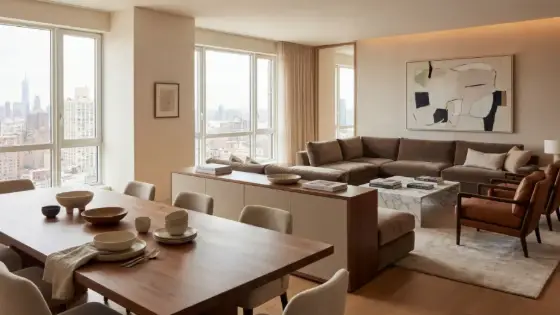 Design Negotiator: AI Client Negotiation Practice
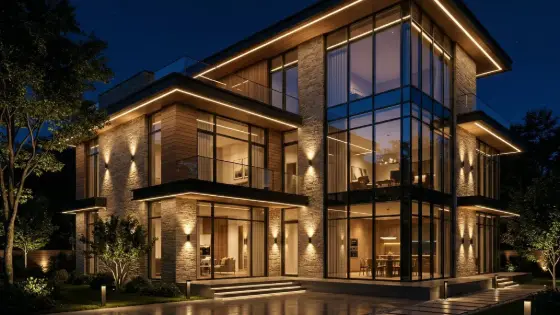 Super Boh — Professional AI Architectural Rendering